


網站管理員你好,這是一則預留內容留言。 …
部落格
-
Paragraph
A paragraph.
A paragraph with drop cap enabled. Note: There is a spacer block below, to clear the next block.
A bold paragraph.
An italic paragraph.
A highlighted paragraph.
Color
A paragraph.
A paragraph with a link
A paragraph.
A paragraph with a link
Alignment
A paragraph without alignment.
A left aligned paragraph.
A left centered paragraph.
A left right aligned paragraph.
Orientation
Vertical paragraph, left aligned
Vertical paragraph, right aligned
Typography
Font size
A paragraph.
A paragraph.
A paragraph.
A paragraph.
Appearance
A paragraph.
A paragraph.
Line height
A paragraph.
Letter spacing
A paragraph.
Decoration
A paragraph.
A paragraph.
Letter case
A paragraph.
A paragraph.
A paragraph.
Padding and margin
A paragraph with padding preset: 4
A paragraph with margin preset: 4
-
WP 6.1 Font size scale
This test post was generated using the block theme Emptytheme in WordPress 6.1.1.
Small H2 Heading
Medium H2 Heading
Large H2 Heading
Extra Large H2 Heading
Small paragraph
Medium paragraph
Large paragraph
Extra Large paragraph
-
WP 6.1 spacing presets
This test post was generated using the block theme Emptytheme in WordPress 6.1.1.
On this page, some group blocks have border or background color set to increase visibility.
This group has a no background color and no additional spacing set.
This group has a background color but no additional spacing set.
This group has a 1px border and padding preset 1
This group has padding preset 1
This group has a 1px border and padding preset 2
This group has a background color and padding preset 3
This group has a background color and padding preset 4
This group has a background color and padding preset 5
This group has a background color and padding preset 6
This group has a background color and padding preset 7
This group has padding preset 7
This group has a background color and margin preset 1
This group has a background color and margin preset 2
This group has a background color and margin preset 3
This group has a background color and margin preset 4
This group has a background color and margin preset 5
This group has a background color and margin preset 6
This group has a background color and margin preset 7
This group has a 1px border, padding preset 4 and margin preset 4
This group has padding preset 4 and margin preset 4
-
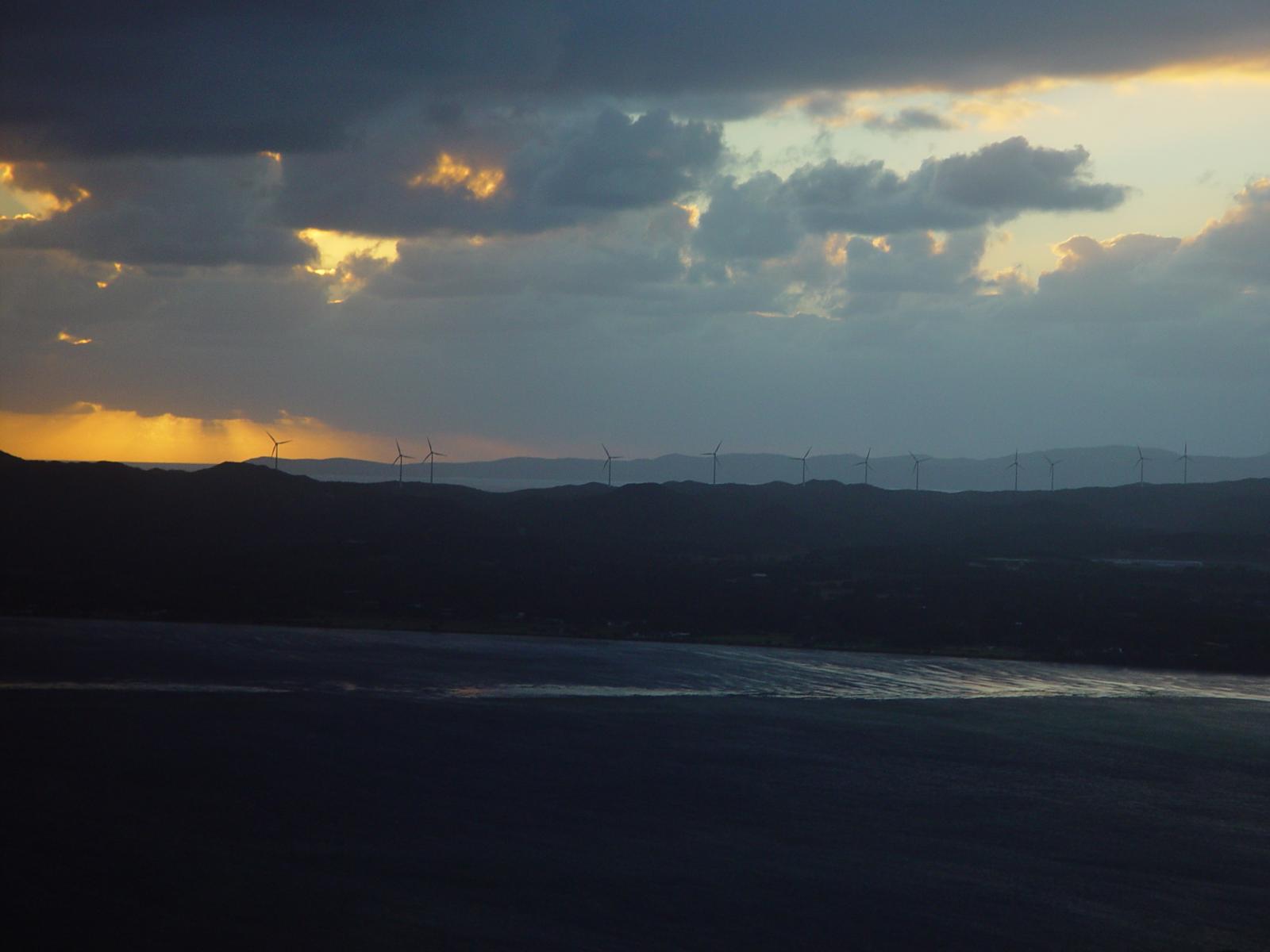
WP 6.1 Theme block category
This test post was generated using the block theme Emptytheme in WordPress 6.1.1.
Navigation block with page list:
Site logo:
Site title:
WordPress 最新 Beta 測試版
Tagline block:
全新的繁體中文 WordPress 網站
Query loop “Title & Date” variation:
-
Template: Sticky
-
Next and Previous Post
-
Tags
-
Categories
Query loop “Title & Excerpt” variation:
-
Template: Sticky
This is a sticky post. There are a few things to verify…
-
網站第一篇文章
歡迎使用 WordPress。這是這個網站的第一篇文章,試試為這篇文章進行編輯或直接刪除,然後開始撰寫新文章!
-
Author Biography
Alignment Color Padding and margin Typography Font size…
-
Login/out
Note: test this block both when logged in and logged ou…
Query loop “Title, Date & Excerpt” variation:
-
Template: Sticky
This is a sticky post. There are a few things to verify…
-
Edge Case: No Content
Query loop “Image, Date & Title” variation:
-
Template: Sticky
-
Avatar
-
Posts Lists
-
Query Loop
Avatar block:
Post title block:
WP 6.1 Theme block category
Post excerpt:
This test post was generated using the block theme Empt…
Post featured image:
Post author:
Post date:
Categories:
Tags:
Next post & previous post:
Read More:
閱讀全文: WP 6.1 Theme block categoryComments block:
在〈WP 6.1 Theme block category〉中有 1 則留言
-
This test post needs a comment.
Post comments form block:
發佈留言
Login/out:
Author biography block:
Term description, archive title, search results title can not be shown on single posts.
-
-
WP 6.1 Widgets block category
This test post was generated using the block theme Emptytheme in WordPress 6.1.1.
Archives block:
- 2024 年 11 月
- 2024 年 2 月
- 2023 年 1 月
- 2018 年 11 月
- 2018 年 10 月
- 2013 年 1 月
- 2012 年 3 月
- 2012 年 1 月
- 2011 年 3 月
- 2010 年 10 月
- 2010 年 9 月
- 2010 年 8 月
- 2010 年 7 月
- 2010 年 6 月
- 2010 年 5 月
- 2010 年 4 月
- 2010 年 3 月
- 2010 年 2 月
- 2010 年 1 月
- 2009 年 10 月
- 2009 年 9 月
- 2009 年 8 月
- 2009 年 7 月
- 2009 年 6 月
- 2009 年 5 月
2026 年 4 月 一 二 三 四 五 六 日 1 2 3 4 5 6 7 8 9 10 11 12 13 14 15 16 17 18 19 20 21 22 23 24 25 26 27 28 29 30 Categories list:
- 6.1
- aciform
- antiquarianism
- arrangement
- asmodeus
- Block
- broder
- buying
- Cat A
- Cat B
- Cat C
- championship
- chastening
- Child 1
- Child 2
- Child Category 01
- Child Category 02
- Child Category 03
- Child Category 04
- Child Category 05
- Classic
- clerkship
- Design
- disinclination
- disinfection
- dispatch
- echappee
- Edge Case
- enphagy
- equipollent
- fatuity
- Foo A
- Foo A
- Foo Parent
- gaberlunzie
- Grandchild Category
- illtempered
- insubordination
- lender
- Markup
- Media
- Media
- monosyllable
- packthread
- palter
- papilionaceous
- Parent
- Parent Category
- personable
- Post Formats
- propylaeum
- pustule
- quartern
- scholarship
- selfconvicted
- showshoe
- sloyd
- sub
- sublunary
- tamtam
- Template
- Text
- Theme
- Unpublished
- weakhearted
- ween
- wellhead
- wellintentioned
- whetstone
- Widgets
- years
- 未分類
Custom HTML:
testLatest comments:
A reply to the examp…
Example comment.
This test post needs…
Having no content in…
Latest posts:
Page list block:
- a Blog page
- Front Page
- How to use the test data
- Ελληνικά-Greek
- 範例頁面
- About The Tests
- Level 1
- Lorem Ipsum
- Page A
- Page B
RSS block:
Shortcode block:
Social links:
Tag cloud:
alignment Block spacing Border captions categories chat Codex Columns comments content περιεχόμενο content περιεχόμενο css edge case embeds excerpt featured image formatting gallery html image jetpack layout link markup Post Formats quote Sample Shadow shortcode standard status sticky Success Swagger Tags template test tag title trackbacks twitter Unseen video videopress WordPress wordpress.tv
-
WP 6.1 Design category blocks
This test post was generated using the block theme Emptytheme in WordPress 6.1.1.
One single column inside a columns block.
Column one. The background color is on the single column.
Column two
Column one. The background color is on the parent columns block.
Column two
Column three
Group with paragraph inside. Below are the group block variations:
Row
Row
Stack
Stack
More block:
(閱讀全文…) -
WP 6.1 Media category blocks
This test post was generated using the block theme Emptytheme in WordPress 6.1.1.
Image block:
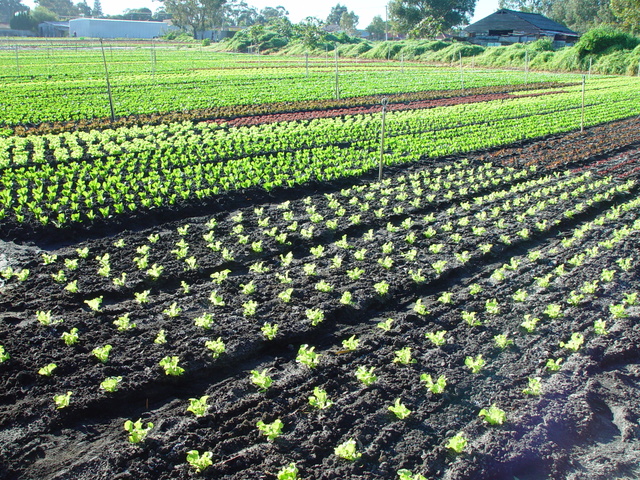
Gallery:

Golden Gate Bridge 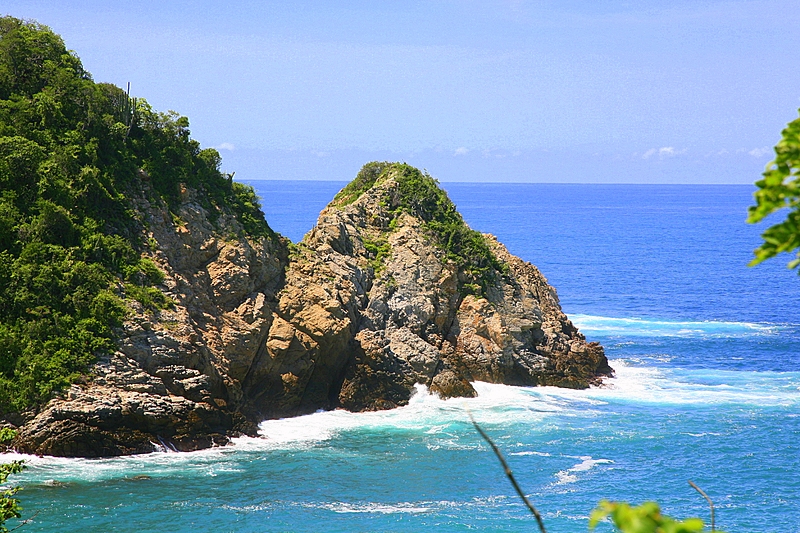
Coastline in Huatulco, Oaxaca, Mexico 
Sydney Harbor Bridge 
Boardwalk at Westport, WA 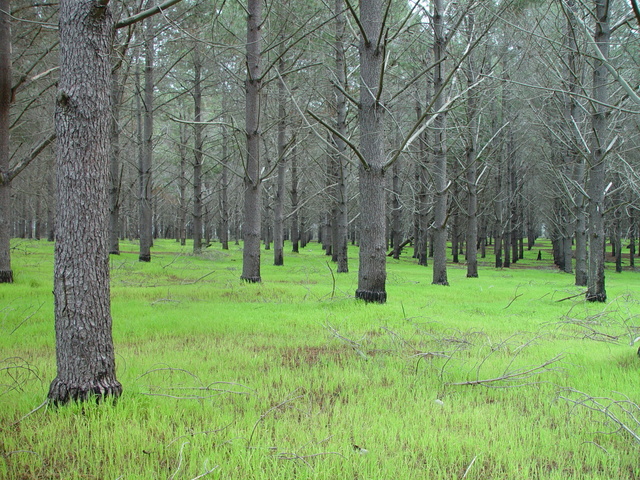
Audio:
Cover:

Write title…
Fixed background
Repeated background
Fixed and Repeated background
Duotone

Top left
Top center
Top right
Center left
Center right
Bottom left
Bottom center
Bottom right
This is the Media & Text block with an image on the left.
This is the Media & Text block with a cropped image on the left
This is the Media & Text block with a video the right.
-
WP 6.1 Text category blocks
This test post was generated using the block theme Emptytheme in WordPress 6.1.1.
Paragraph
H1 Heading
H2 Heading
H3 Heading
H4 Heading
H5 Heading
H6 Heading
- List
- List
- List
- List
- List
- List
Quote block
citationclassic block
code blockPreformatted block
Pull quote
Citationtable cell table cell two table cell three table cell four Table caption header label one header label two table cell table cell two table cell three table cell four footer label one footer label two Table caption Verse block
-
Block: Image
Welcome to image alignment! If you recognize this post, it is because these are blocks that have been converted from the classic Markup: Image Alignment post. The best way to demonstrate the ebb and flow of the various image positioning options is to nestle them snuggly among an ocean of words. Grab a paddle and let’s get started. Be sure to try it in RTL mode. Left should stay left and right should stay right for both reading directions.
On the topic of alignment, it should be noted that users can choose from the options of None, Left, Right, and Center. If the theme has added support for align wide, images can also be wide and full width. Be sure to test this page in RTL mode.
In addition, they also get the options of the image dimensions 25%, 50%, 75%, 100% or a set width and height.

The image above happens to be centered.
The rest of this paragraph is filler for the sake of seeing the text wrap around the 150×150 image, which is left aligned.
As you can see the should be some space above, below, and to the right of the image. The text should not be creeping on the image. Creeping is just not right. Images need breathing room too. Let them speak like you words. Let them do their jobs without any hassle from the text. In about one more sentence here, we’ll see that the text moves from the right of the image down below the image in seamless transition. Again, letting the do it’s thang. Mission accomplished!
And now for a massively large image. It also has no alignment.
The image above, though 1200px wide, should not overflow the content area. It should remain contained with no visible disruption to the flow of content.
And now we’re going to shift things to the right align. Again, there should be plenty of room above, below, and to the left of the image. Just look at him there… Hey guy! Way to rock that right side. I don’t care what the left aligned image says, you look great. Don’t let anyone else tell you differently.
In just a bit here, you should see the text start to wrap below the right aligned image and settle in nicely. There should still be plenty of room and everything should be sitting pretty. Yeah… Just like that. It never felt so good to be right.
And just when you thought we were done, we’re going to do them all over again with captions!
Look at 580×300 getting some caption love. The image above happens to be centered. The caption also has a link in it, just to see if it does anything funky.
Itty-bitty caption. The rest of this paragraph is filler for the sake of seeing the text wrap around the 150×150 image, which is left aligned.
As you can see the should be some space above, below, and to the right of the image. The text should not be creeping on the image. Creeping is just not right. Images need breathing room too. Let them speak like you words. Let them do their jobs without any hassle from the text. In about one more sentence here, we’ll see that the text moves from the right of the image down below the image in seamless transition. Again, letting the do it’s thang. Mission accomplished!
And now for a massively large image. It also has no alignment.
Massive image comment for your eyeballs. The image above, though 1200px wide, should not overflow the content area. It should remain contained with no visible disruption to the flow of content.
Feels good to be right all the time. And now we’re going to shift things to the right align. Again, there should be plenty of room above, below, and to the left of the image. Just look at him there… Hey guy! Way to rock that right side. I don’t care what the left aligned image says, you look great. Don’t let anyone else tell you differently.
In just a bit here, you should see the text start to wrap below the right aligned image and settle in nicely. There should still be plenty of room and everything should be sitting pretty. Yeah… Just like that. It never felt so good to be right.
Imagine that we would find a use for the extra wide image! This image has the wide width alignment:
Can we go bigger? This image has the full width alignment:
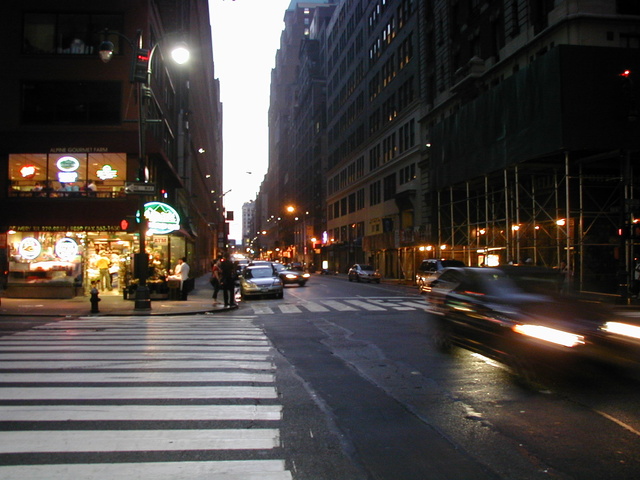
And that’s a wrap, yo! You survived the tumultuous waters of alignment. Image alignment achievement unlocked! One last thing: The last item in this post’s content is a thumbnail floated right. Make sure any elements after the content are clearing properly.


發佈留言